Free for commercial use
Use the downloaded QR code on menus, packaging, posters, tickets, stickers, or client work.
Paste a link, pick a logo and colour, download PNG or SVG. Free, instant, and made right here in your browser.
Drop in a URL, plain text, email, or Wi-Fi string. The preview updates as you type.
Keep the banana, upload your own mark, or go logo-free. Pick a brand colour, or a custom hex for the code and the background.
PNG for screens and chats. SVG for print, posters, and menus that need to stay sharp.
Use the downloaded QR code on menus, packaging, posters, tickets, stickers, or client work.
The destination is stored in the dots. There is no BananaSplit redirect to expire or limit.
Your destination, Wi-Fi password, contact details, and logo stay on this device.
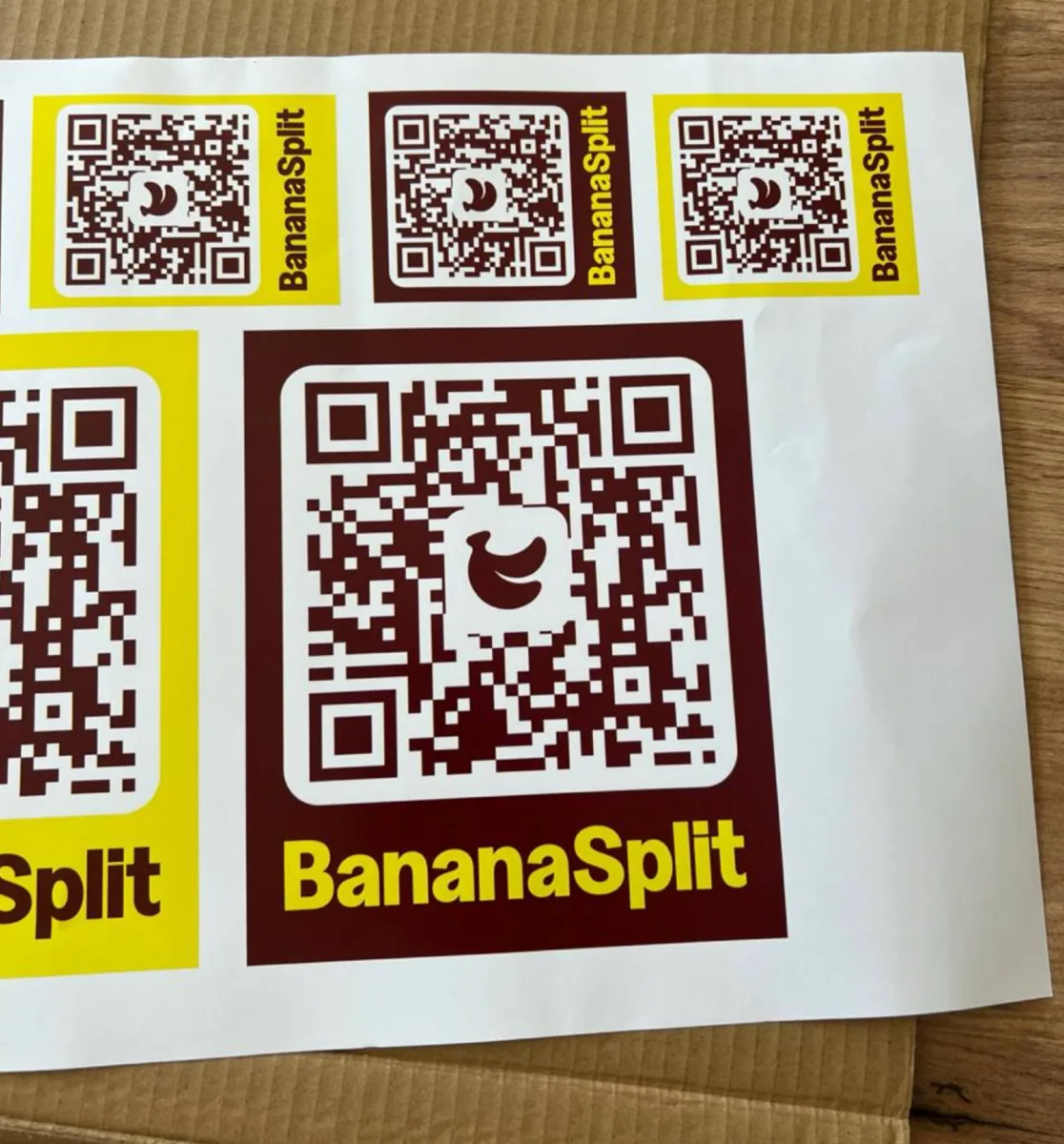
Download a vector file that stays sharp from a table card to event signage.
Every code made here is static: the data is encoded directly in the QR pattern. It keeps working without a BananaSplit account, server, or subscription.
Static also means the destination cannot be edited after printing and BananaSplit does not collect scan analytics. If the destination may change, encode a URL you control and redirect that URL yourself.
Made in the field
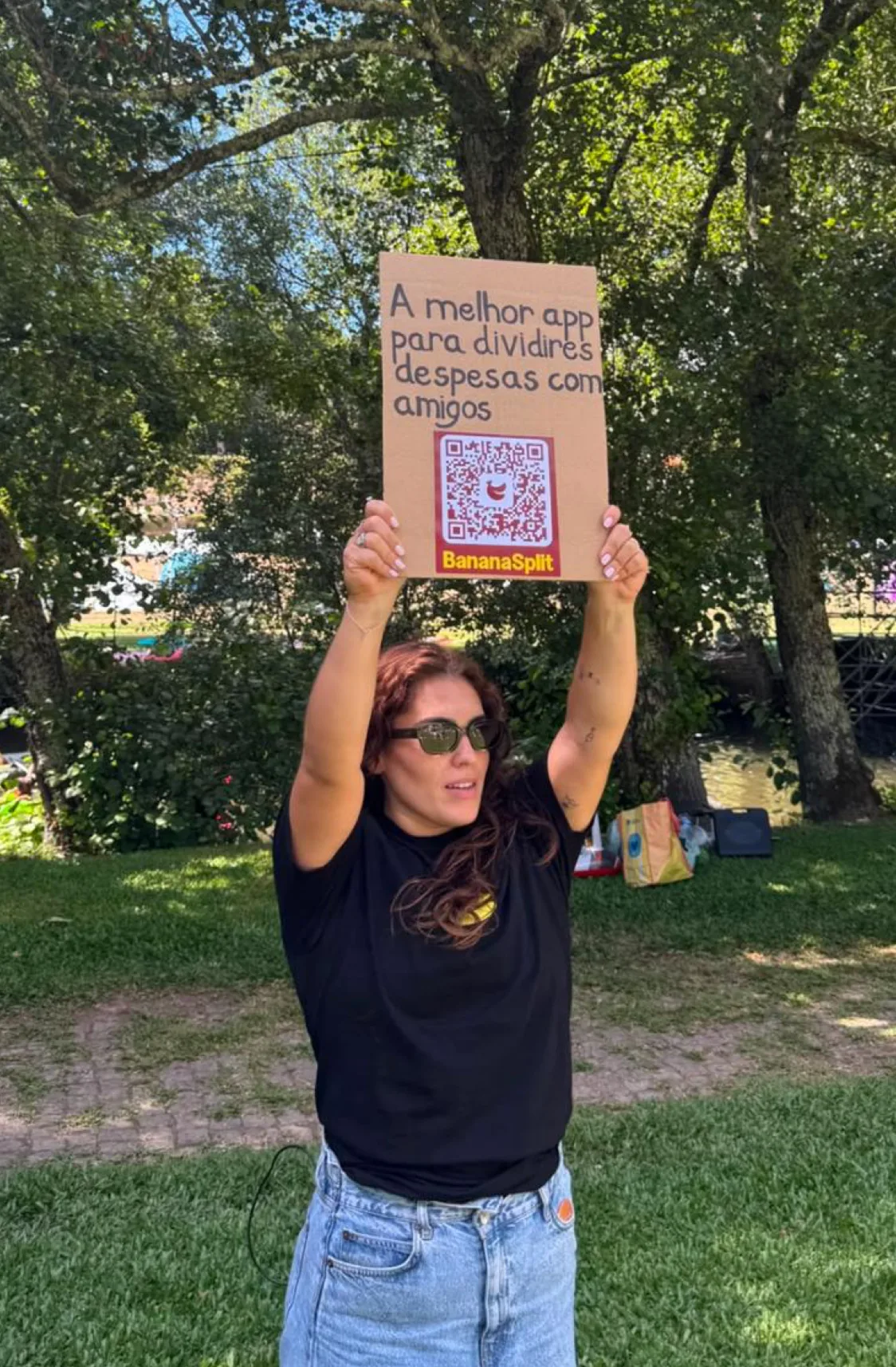
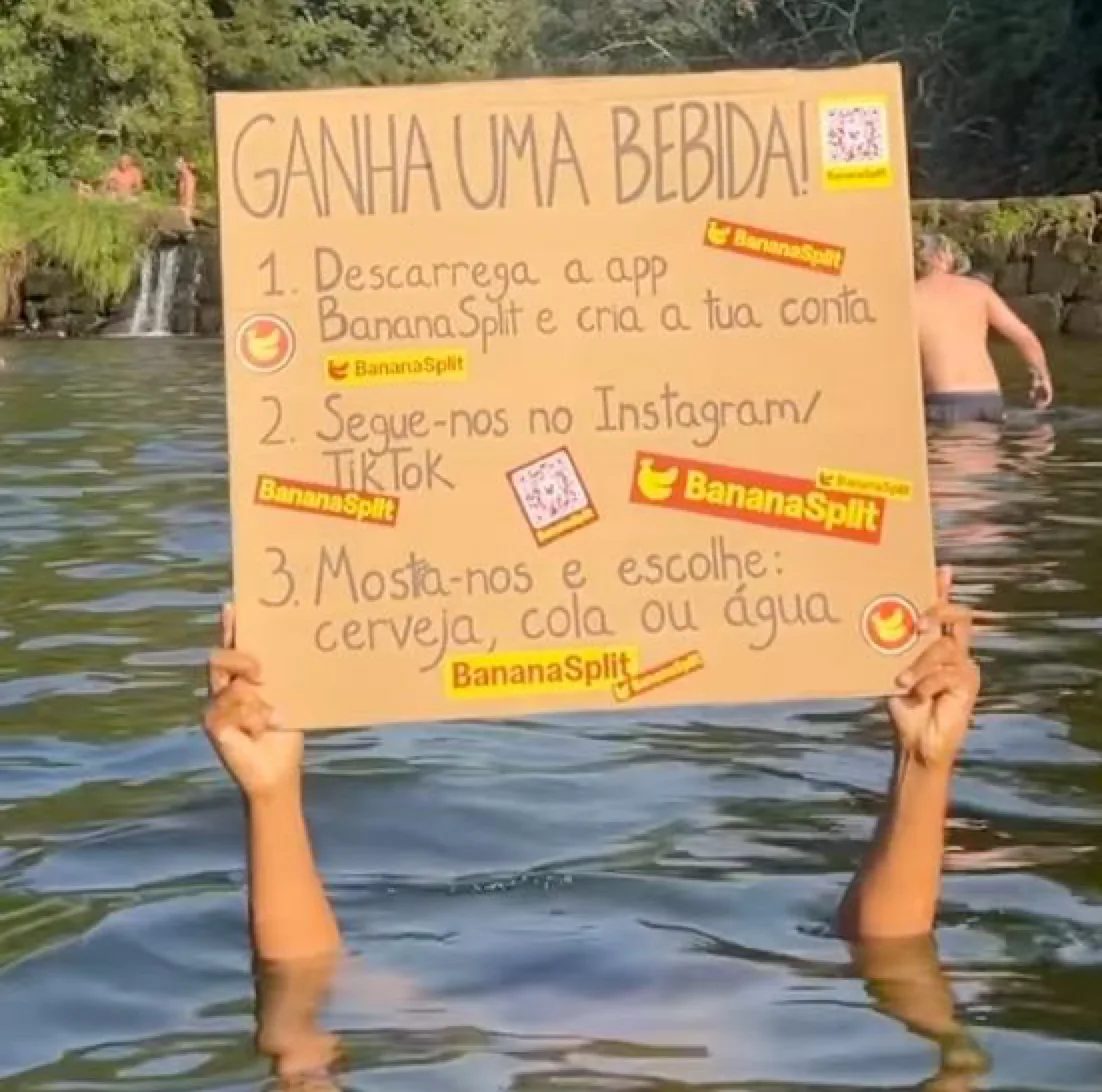
BananaSplit first relied on QR codes while meeting people in person at Paredes de Coura and Vilar de Mouros. The codes had to print cleanly, scan quickly, and keep working after the posters left our hands.
That is why this generator is browser-first, exportable as SVG, and honest about what a static code can and cannot do. We use it for real BananaSplit activations; everyone else can use it free.
From hand-held signs to a drinks activation and sticker runs, the lesson stayed the same: leave breathing room, keep the contrast high, and scan-test the finished physical piece—not only the file.
Yes. Create and download as many codes as you want. No account, no watermark, no paywall.
Yes. Codes are built with high error correction so phones can still read them with the banana or your own logo in the centre. Keep the logo small and leave some quiet space around the code.
PNG is perfect for WhatsApp, Instagram, slides, and websites. SVG stays crisp when you print posters, menus, or large signage.
No. Generation happens entirely in your browser. Nothing is stored on our servers.
Yes. Paste a Wi-Fi QR string (the WIFI:S:... format) or any other text, then style and download it like a normal code.
No. There is no redirect or tracking layer. The code encodes your value directly, so it works until you change the destination yourself.
Use the public QR code API from an agent, app, script or workflow. It returns a deterministic SVG without storing the encoded value.