The Small Things: Settle Up Faster, Reminders That Send Automatically, and More
Settle up in one tap, automatic payment reminders, four new group types, a calculator in the amount field, and more small upgrades we shipped quietly.
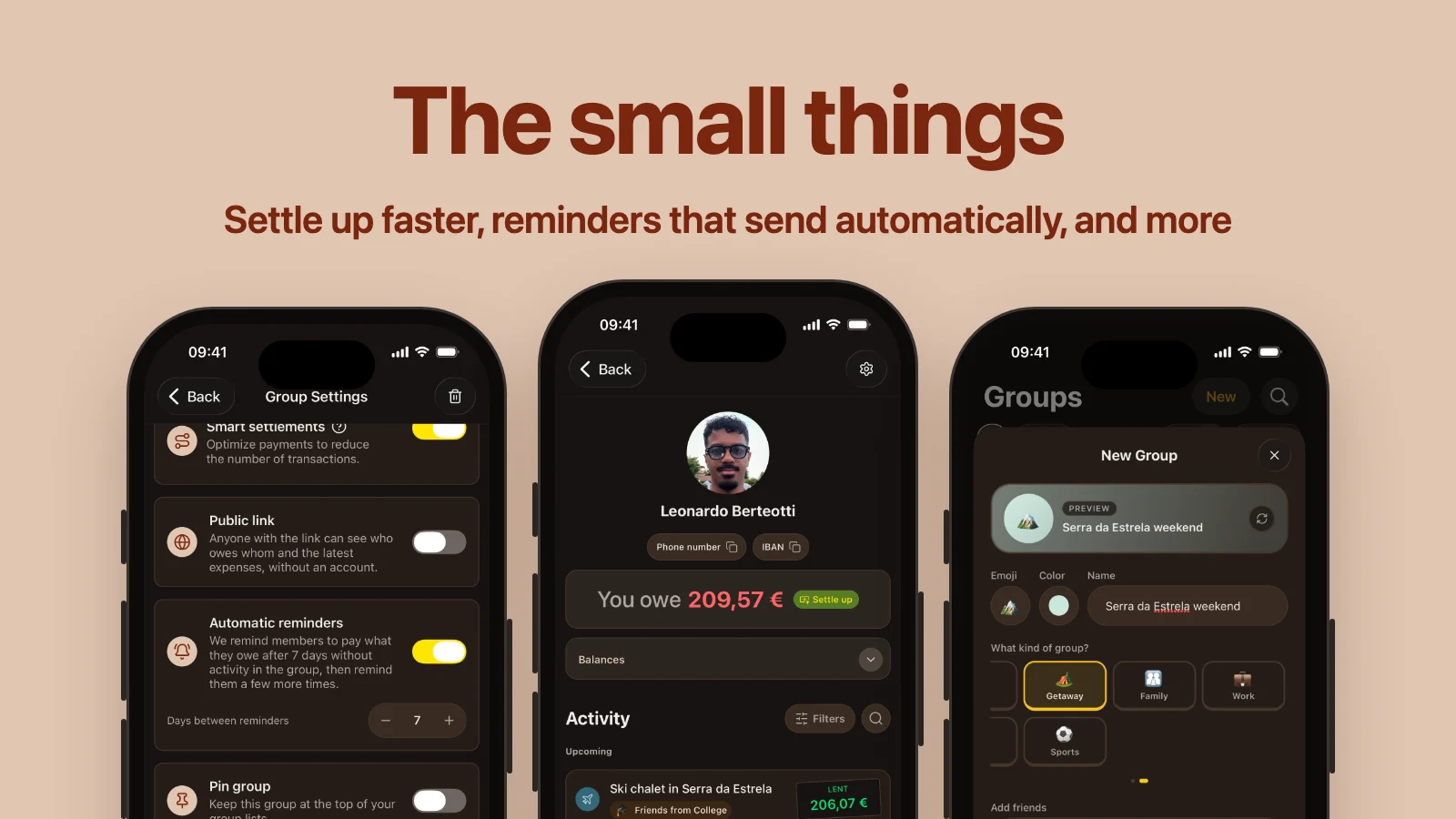
Not every update needs a launch. Some of the best ones are a tap you no longer have to make, a number you no longer have to remember, or a message you no longer have to send.
We have been shipping a lot of those lately, mostly without saying a word. Here they are, all in one place.
Automatic payment reminders
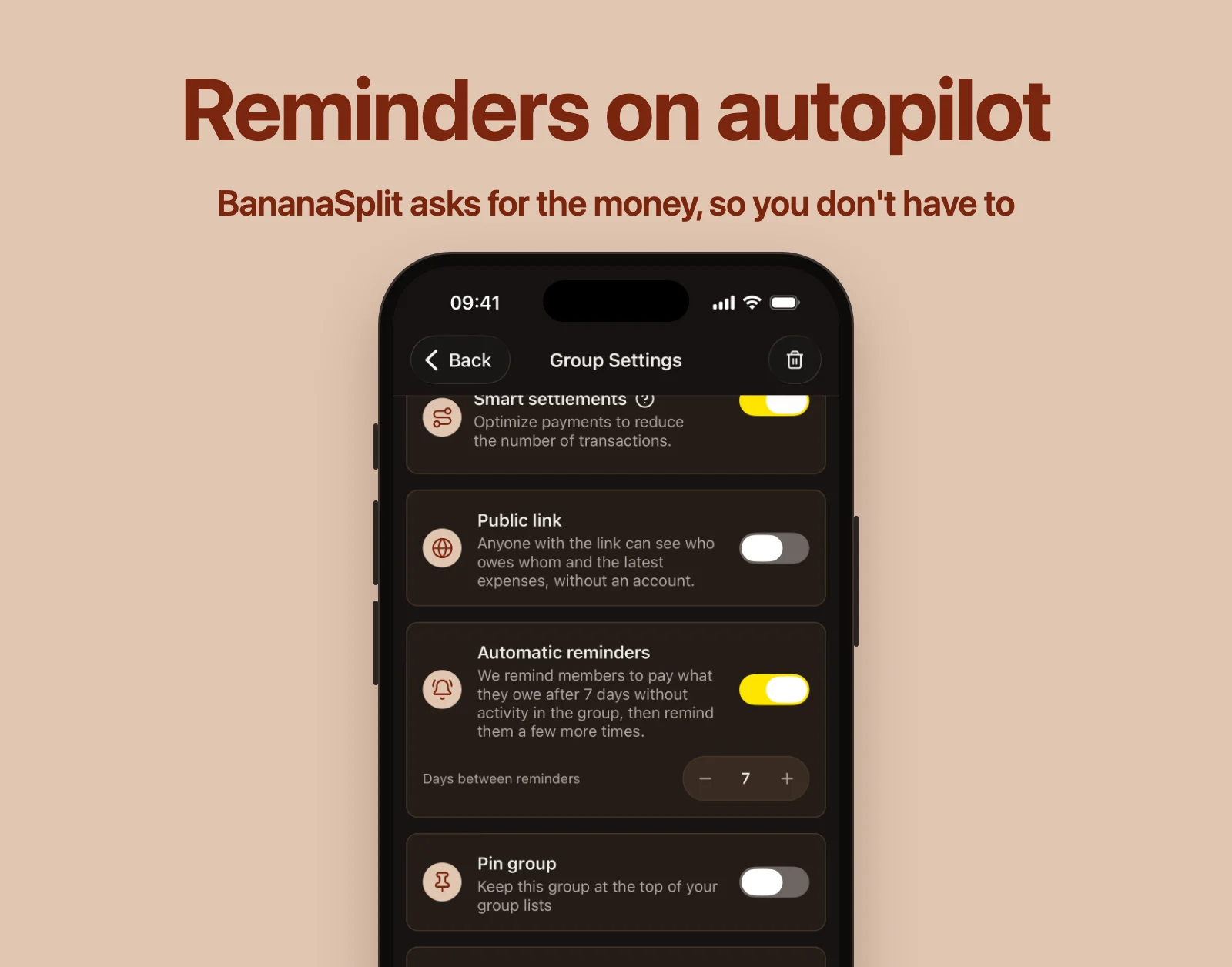
Asking a friend for money is the most awkward part of splitting. Now you don't have to.
Group admins can turn on automatic reminders in the group settings. When a group goes quiet and someone still owes money, BananaSplit reminds them to pay, then follows up a few more times. You choose how many days to wait, from 1 to 30.
- Set it up when you create a group, or later in its settings.
- Gold creators get reminders on by default, every 7 days.
- Turning reminders on needs Gold. Turning them off never does.
A heads-up before a recurring expense
The free trial you meant to cancel, or rent day sneaking up on the whole flat. When you set an expense to repeat, turn on Remind the payer 1 day before, and whoever pays gets a notification the day before it's added.
- It's off by default, so you choose which expenses deserve one.
- It works for weekly, monthly and yearly expenses: anything that doesn't repeat every day.
- Tap the notification to go straight to the recurring expense and change it, pause it or end it.
- Expenses with a reminder show Notify 1 day before. Tap the ✕ next to it to turn it off.
Four new group types
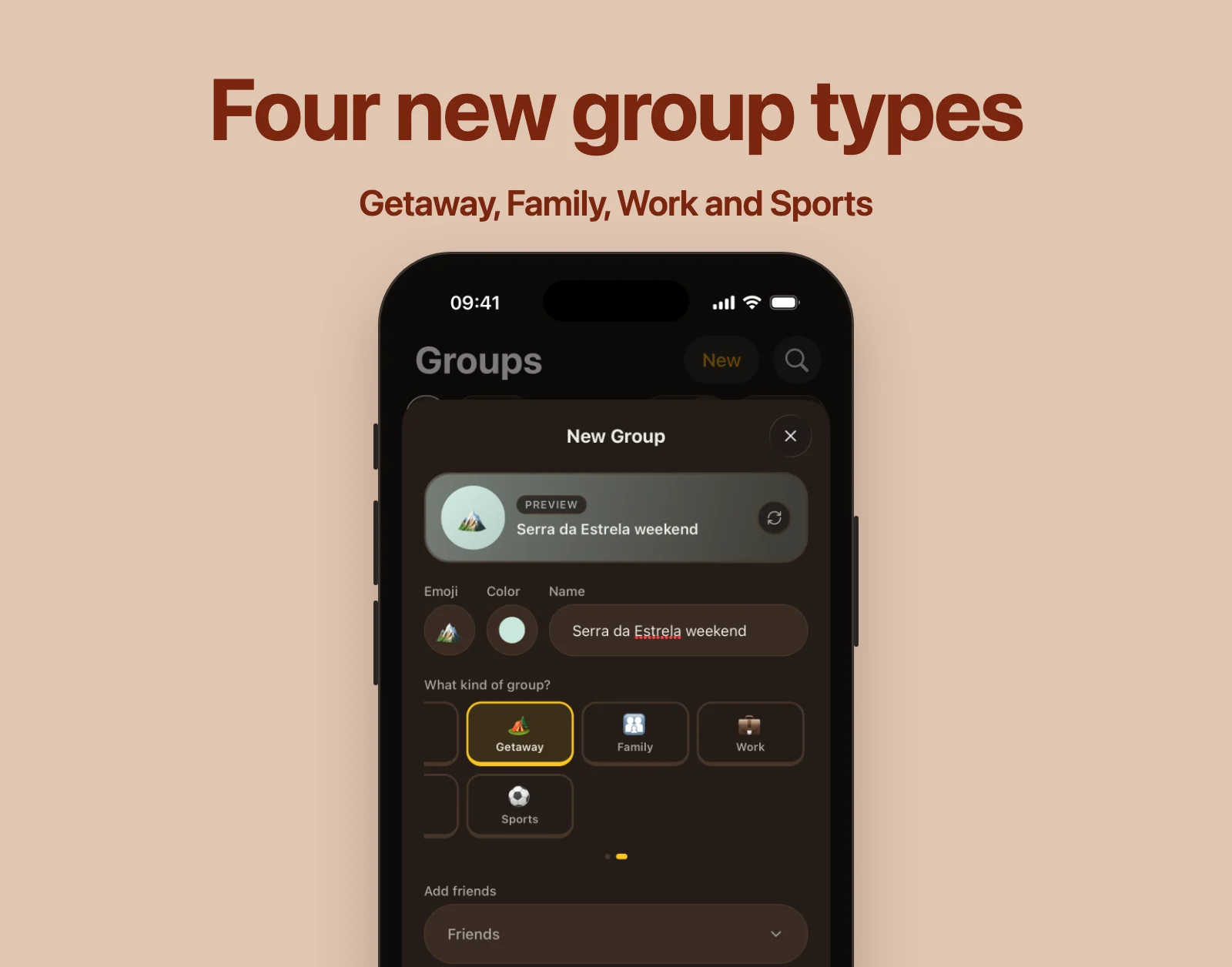
A weekend away is not a two-week vacation, and your five-a-side team is not your flatmates. Groups now come in four more types:
- Getaway, for the short trips.
- Family, for the family chat that actually pays for things.
- Work, for team lunches and shared office costs.
- Sports, for the club, the court and the post-game drinks.
Swipe the type picker to find them, next to Vacation, Roommates, Couple, Festival and Party.
Settle up straight from a friend's balance
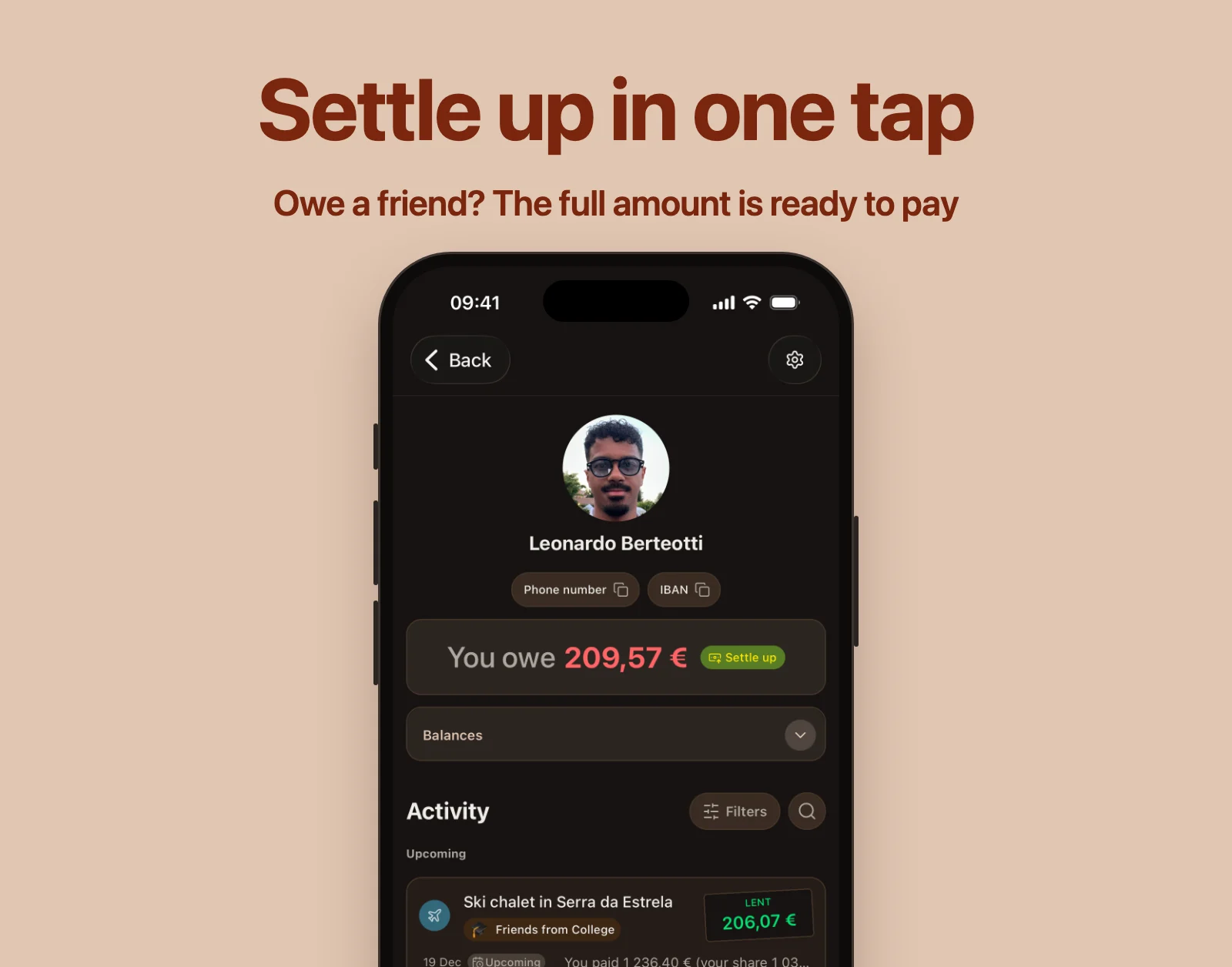
Open a friend and the balance card now does something about the number on it. When you owe them, tap Settle up and the payment opens with the full amount already filled in. When they owe you, record their payment the same way. One payment covers everything between you, across every group you share.
Paying inside a group got quicker too:
- If you owe exactly one person, BananaSplit picks them and fills in the amount for you.
- If you owe several people, the people you owe the most show up as quick buttons. Tap one and the payment is ready.
- Amounts stay in the currency the debt is in, so you never pay 89 dollars for an 89 euro debt.
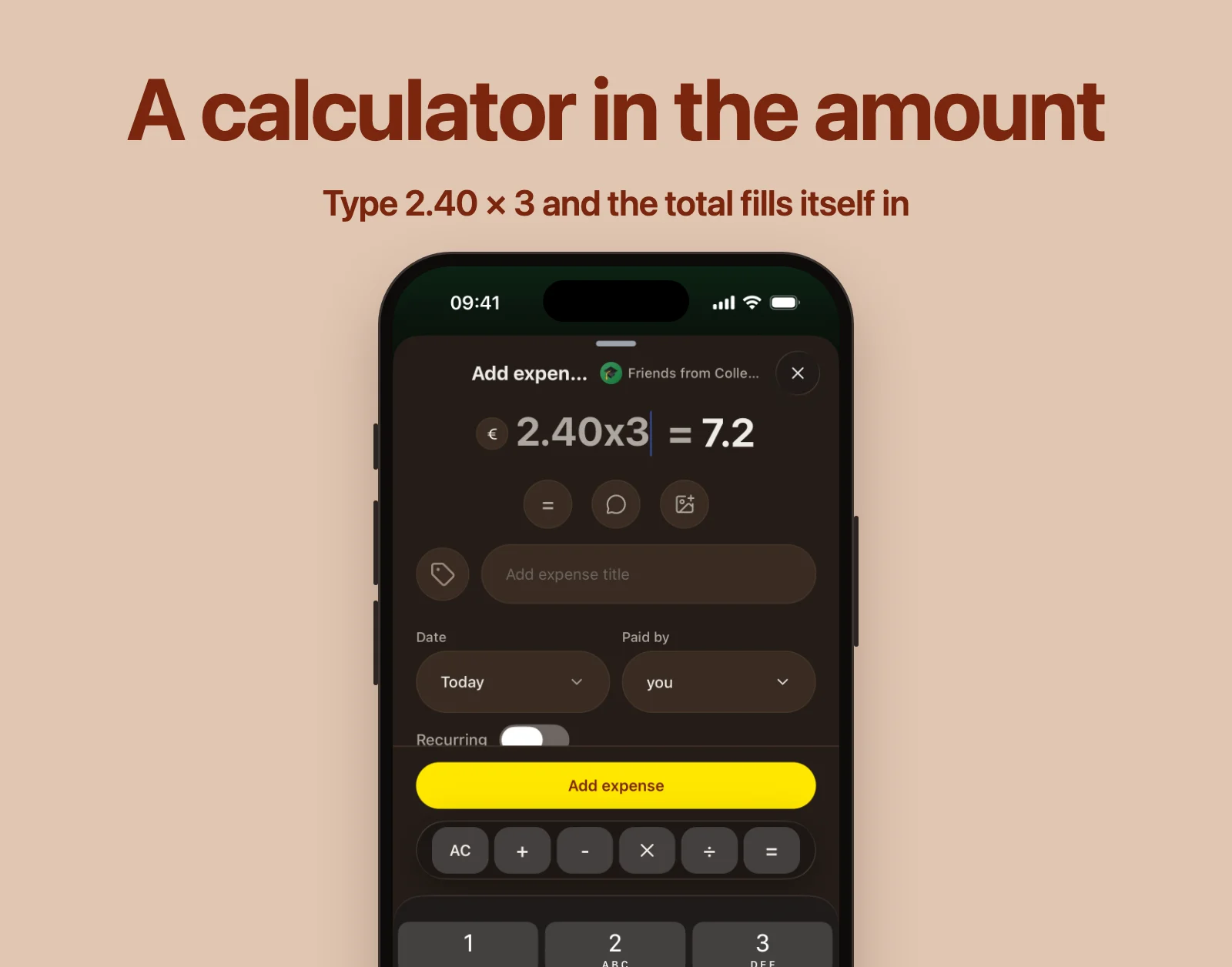
A calculator in the amount field
Three coffees at 2.40 each? Type 2.40 × 3 straight into the amount. On iOS and Android, the amount field now has plus, minus, times and divide keys right above the keyboard. You see the calculation next to its result, and BananaSplit saves the result.
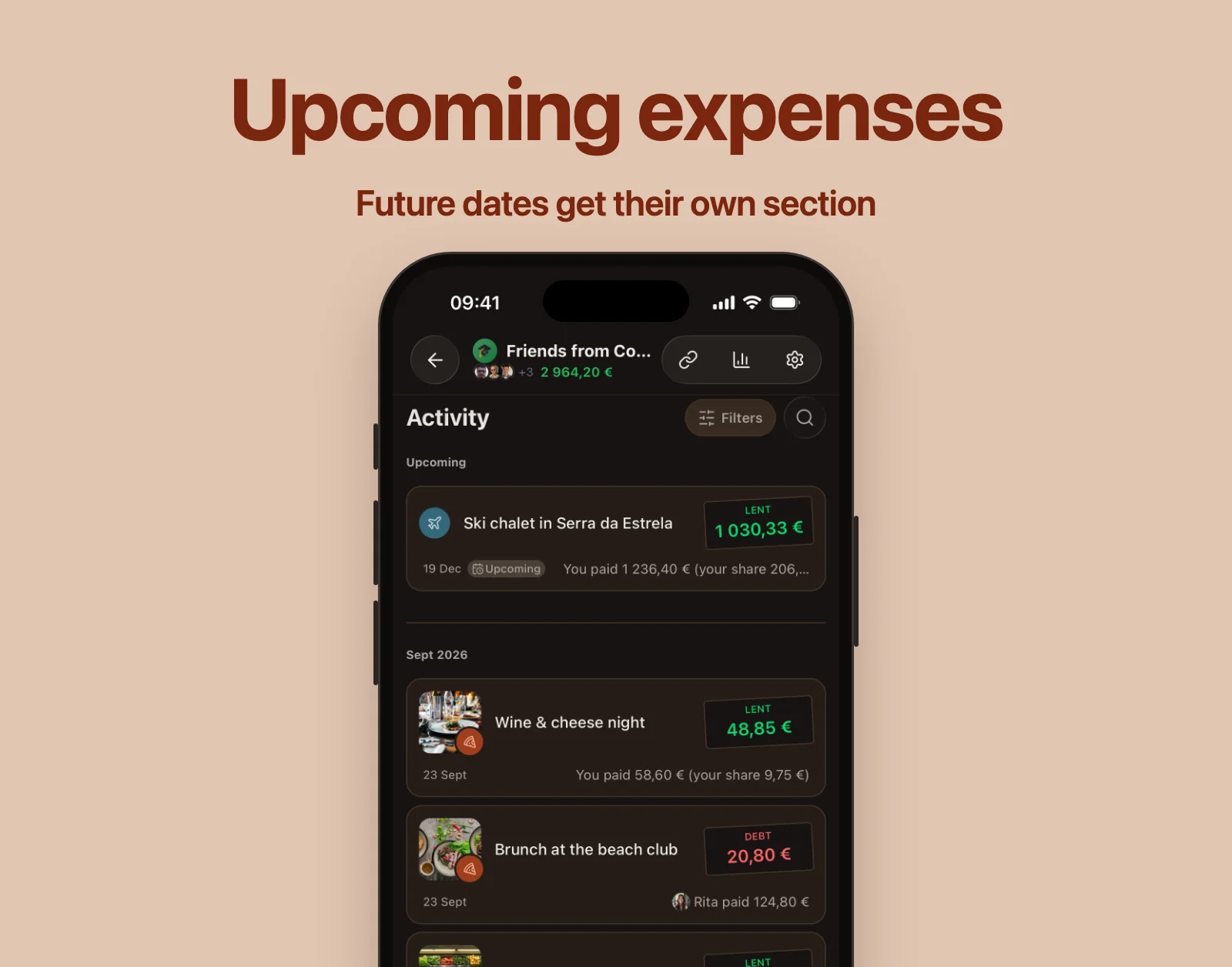
Expenses from the future read as upcoming
Booked the hostel for next month? Expenses with a future date no longer sit at the top of your activity looking like money already spent. They get their own Upcoming section, an Upcoming label on the expense, and "Tomorrow" when it is that close.
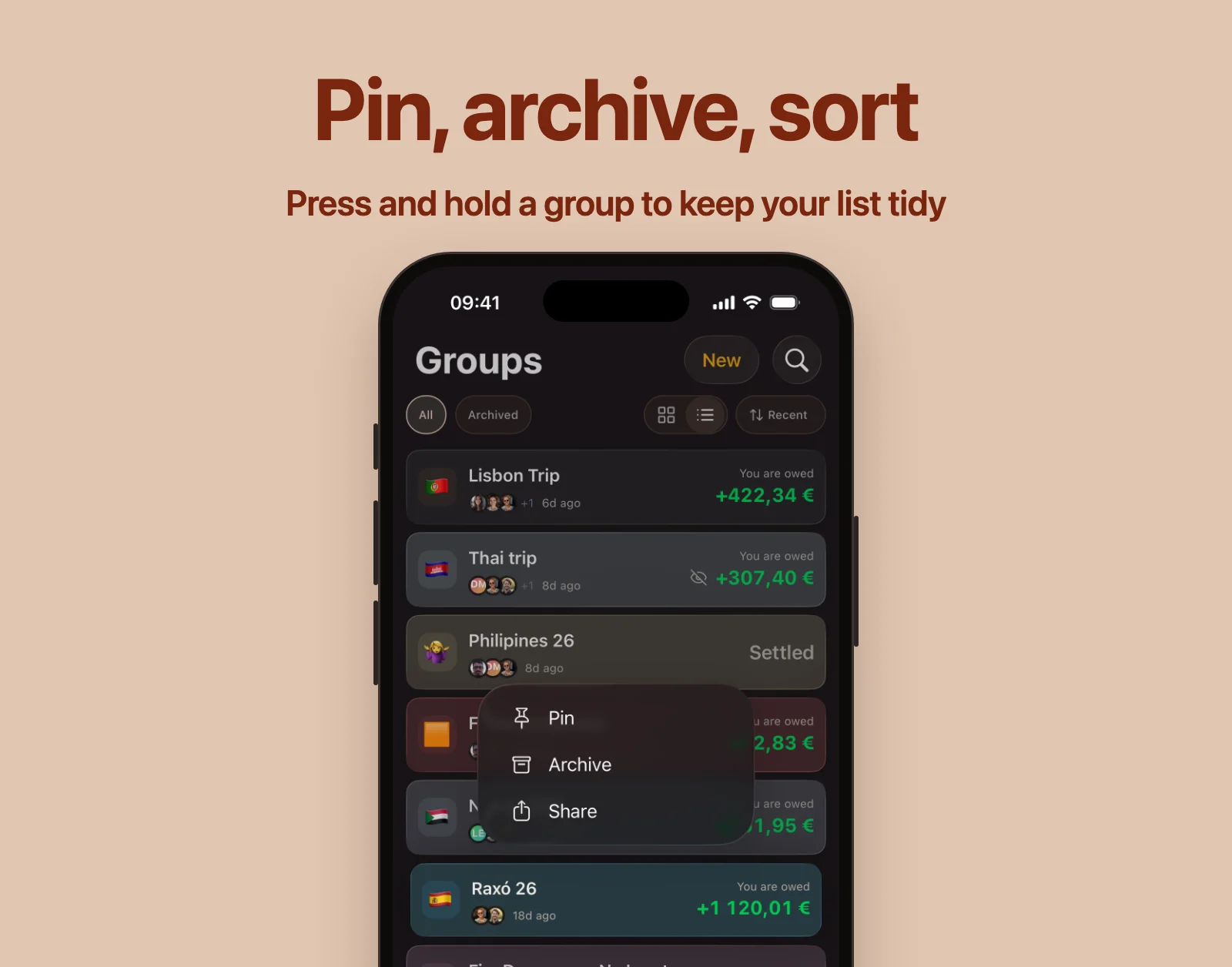
Pin, archive and sort your groups
- Press and hold a group card to pin it, archive it or share it.
- Pinned groups always stay at the top.
- Sort your groups by recent activity or by balance, and BananaSplit remembers your choice.
- Archive the groups you're done with, like last summer's trip to Mexico. Archiving only tidies your list: the group, its expenses and its balances stay exactly as they were, and you can bring it back whenever you want.
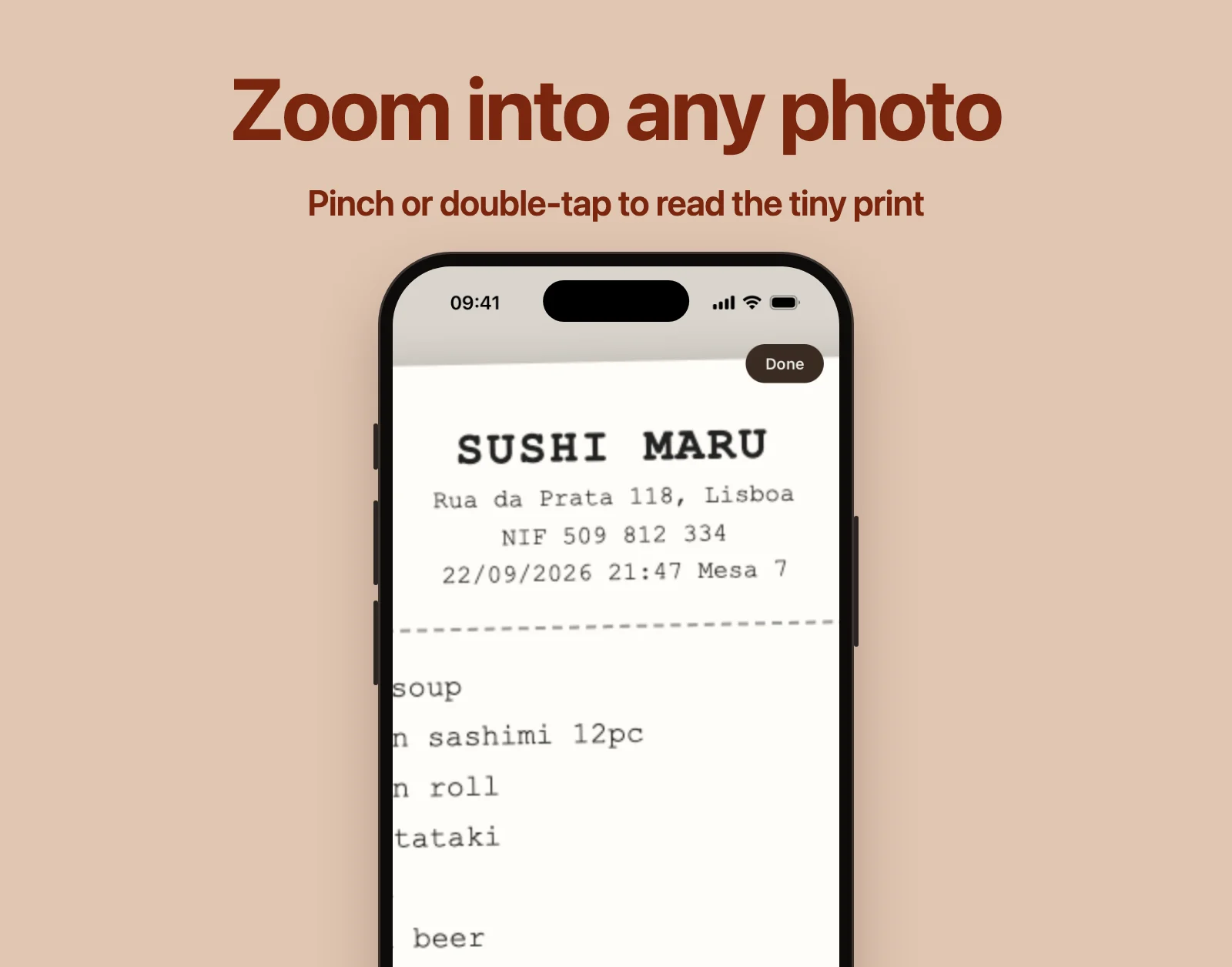
Zoom into photos
Receipts are full of tiny print. Pinch to zoom into any expense photo, double-tap to zoom in on a spot, and drag to move around. On the web, use your trackpad or scroll wheel.
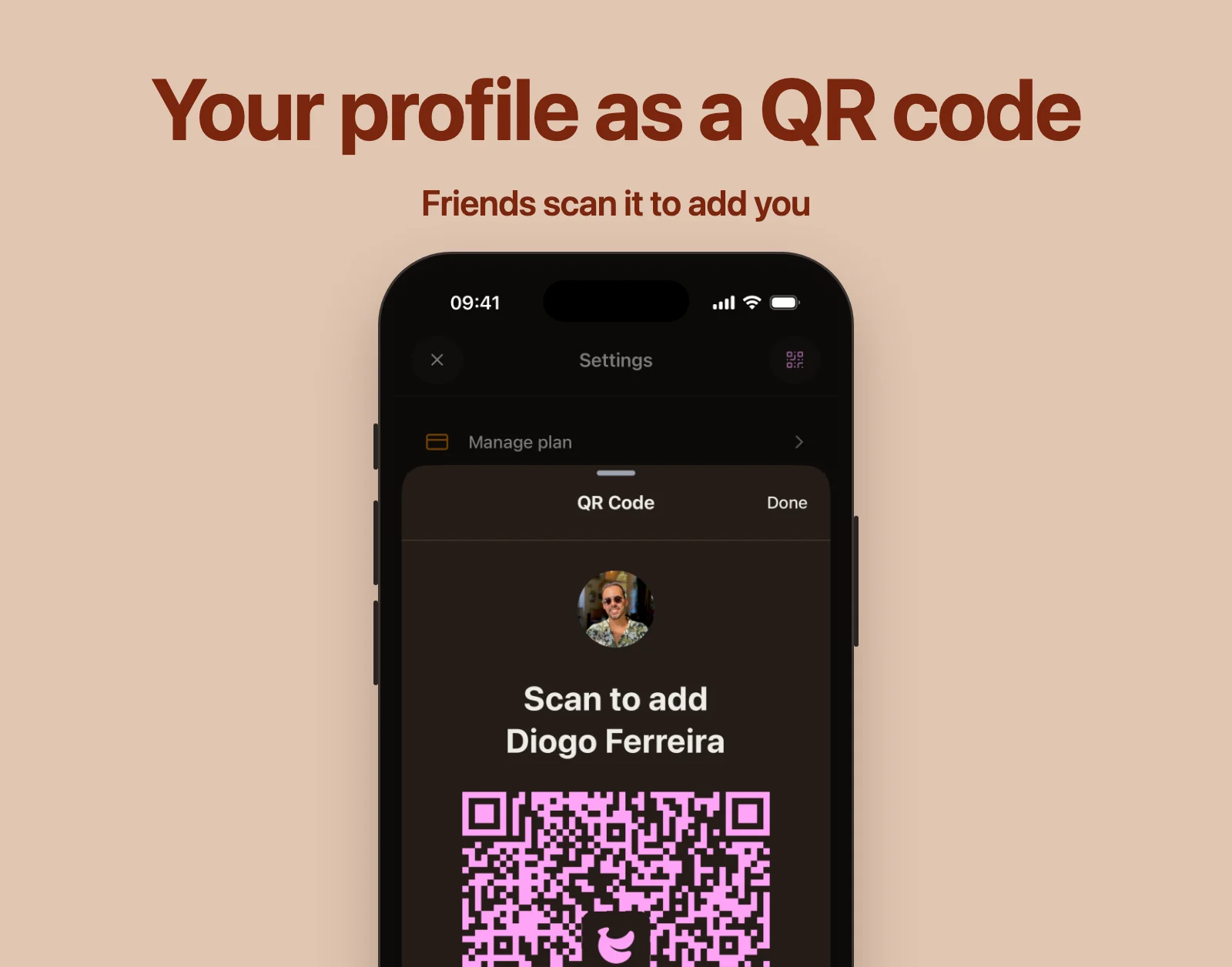
Share your profile with a QR code
The QR code button in your profile header opens a code your friends can scan to add you. Ideal for the moment someone at the table says "add me".
Keep the feedback coming
None of these needed a big announcement, but together they take a lot of friction out of shared money. Keep the feedback coming on Featurebase. Many of these started as your requests.